
Fix your internet
Fast WiFi Speed at Home: What You Need & How to Get It
9 July 2026 · 6 min read
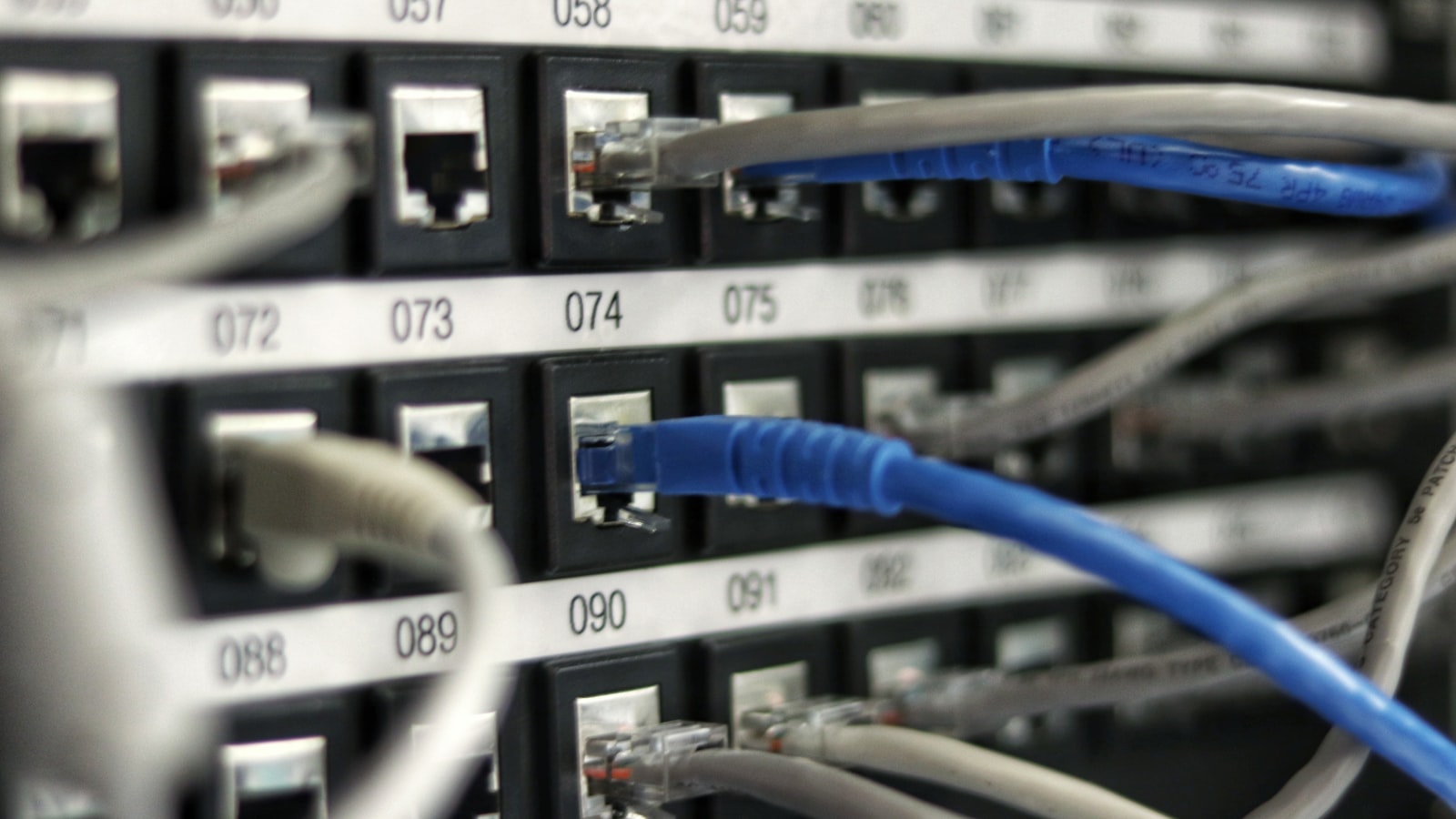
Fast WiFi isn’t one number — it’s two things working together: a line fast enough for everything your household does at once, and a WiFi setup that actually delivers that speed to every device. Here’s how much speed common activities really use, and how to make sure you’re getting what you pay for.
How much speed does each activity need?
- Web browsing and social media: 5–10Mbps per person
- HD video streaming: 5–8Mbps per stream
- 4K video streaming: 25Mbps per stream
- Video calls (Zoom, Teams, Meet): 5–10Mbps per call
- Online gaming: 10–25Mbps — but low ping matters more than raw speed
- Large downloads and cloud backups: the more, the faster they finish
The trick is that these stack. Two 4K streams, a video call and a game running at once already needs 70–90Mbps of real, sustained throughput — and WiFi overhead means your line should have comfortable headroom above that. That’s why 300Mbps has become the sweet spot for busy Malaysian homes, and why 500Mbps is worth it for big households.
1. Upgrade your router before anything else
An old router is the number-one thing throttling fast lines. A modern WiFi 6 router handles more devices simultaneously, pushes stronger signal through walls and gets much closer to your plan’s full speed. Every Maxis Home Fibre plan includes one free.
2. Use 5GHz near the router, and cable what matters
Connect TVs, consoles and desktop PCs to the 5GHz band — or better, an Ethernet cable — and leave 2.4GHz for far-away and low-priority devices. A wired connection gives gaming and work calls the most stable speed and lowest ping possible.
3. Fix coverage before blaming speed
Run a speed test next to the router, then in your slowest room. If speed collapses with distance, your problem is WiFi coverage, not the line — and a mesh WiFi setup will do more for you than a faster plan. Our guide to fixing weak WiFi in some rooms covers this step by step.
Tip
Test with the right tool: a phone on WiFi tops out below your plan speed on higher tiers. For 500Mbps and above, test on a laptop over Ethernet or a WiFi 6 device to see the real number.
4. Trim the background bandwidth thieves
Cloud photo backups, game updates and 4K CCTV uploads quietly eat your bandwidth all day. Schedule big updates overnight and cap backup speeds, and your “slow” WiFi often speeds up instantly.
5. If the line itself is the limit, upgrade it
If your setup is right and speeds still can’t keep up at your busiest hour, the plan is the bottleneck. Maxis Home Fibre plans go from 100Mbps all the way to 2Gbps — 300Mbps from RM99/mth and 500Mbps at RM149/mth with 3 months free, both with a free WiFi 6 router. WhatsApp us and we’ll match a speed to how your home actually uses the internet.
Get faster Home Fibre
Maxis Home Fibre from RM89/mth with a free WiFi 6 router, free installation and unlimited internet. We’ll check coverage at your address.